VR Apps for Writers
This series focuses on how to use virtual reality and AI tools to support your writing process.
It’s not about testing every app or chasing new technology. It’s about finding tools that help you plan, write, and move through your work more effectively, and learning how to use them in a way that fits how you write.
You’ll find practical breakdowns of the apps, how they work, and how they can be used together to build a workflow you can return to.
What if your writing space could go anywhere you do?
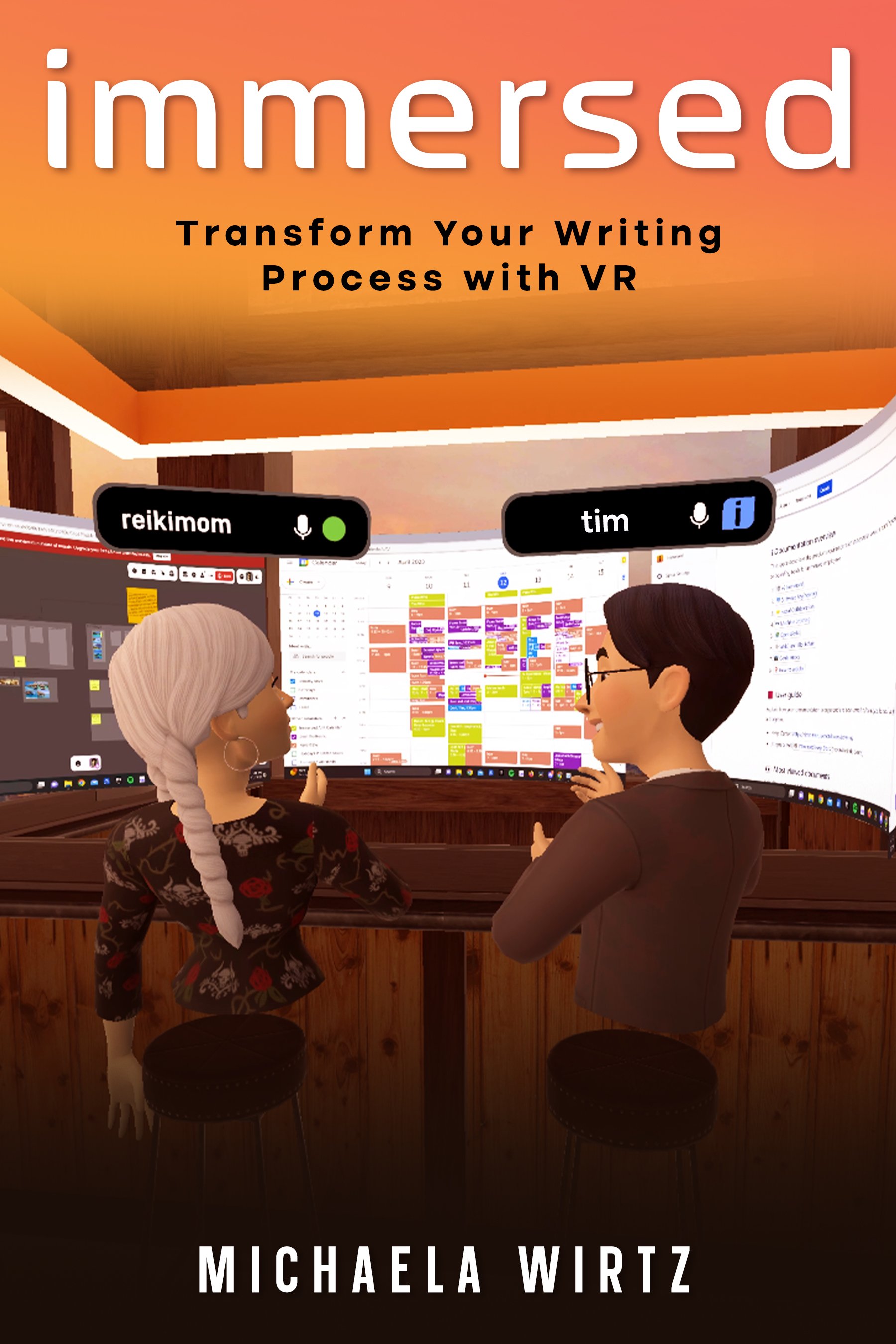
Distractions have a way of following you to the desk. Immersed: A Writer’s Guide to Virtual Reality Productivity explores a different approach: stepping into a virtual workspace designed around the way you want to write.
Using the Immersed VR app, Michaela Wirtz walks writers through creating and customizing a virtual workspace, working with multiple screens, reducing everyday distractions, and using virtual reality as a practical writing and productivity tool.
Immersed is a hands-on introduction to what happens when your writing space is no longer limited by the room around you.
Whether you're a seasoned writer looking to optimize your writing experience or a newcomer eager to explore the possibilities of virtual reality, Immersed provides the tools and insights you need to take your writing to the next level.
Ebook only
Also available:
Amazon · Apple Books · Barnes & Noble · Kobo · Google Play
Your ideas deserve more than a page. They deserve a space.
You’re reading a sample of Plot. Plan. Create., a practical guide to using Noda for writing, planning, brainstorming, and creative work. Want to keep exploring? Find the complete book at michaelawirtz.com.
Noda is a virtual reality mind-mapping app built for people who think in connections rather than straight lines. Instead of forcing ideas into a traditional outline, Noda gives you a three-dimensional space where you can see relationships, move ideas around, and build structure as your project develops.
Plot. Plan. Create. walks you through using Noda’s visual mind maps, AI brainstorming tools, notes, images, templates, and collaborative VR spaces. Whether you’re plotting a novel, developing a course, planning a project, or working through an idea that refuses to fit neatly on a page, the goal is the same: turn what’s in your head into something you can see, organize, and use.
This isn’t a book about following someone else’s creative system. It’s about building a workspace that fits the way you think.
Plot it. Plan it. Create it.
Also available:
Amazon · Apple Books · Barnes & Noble · Kobo · Google Play
Free Guides and Workbooks
Not sure where to start? Here are the basics.
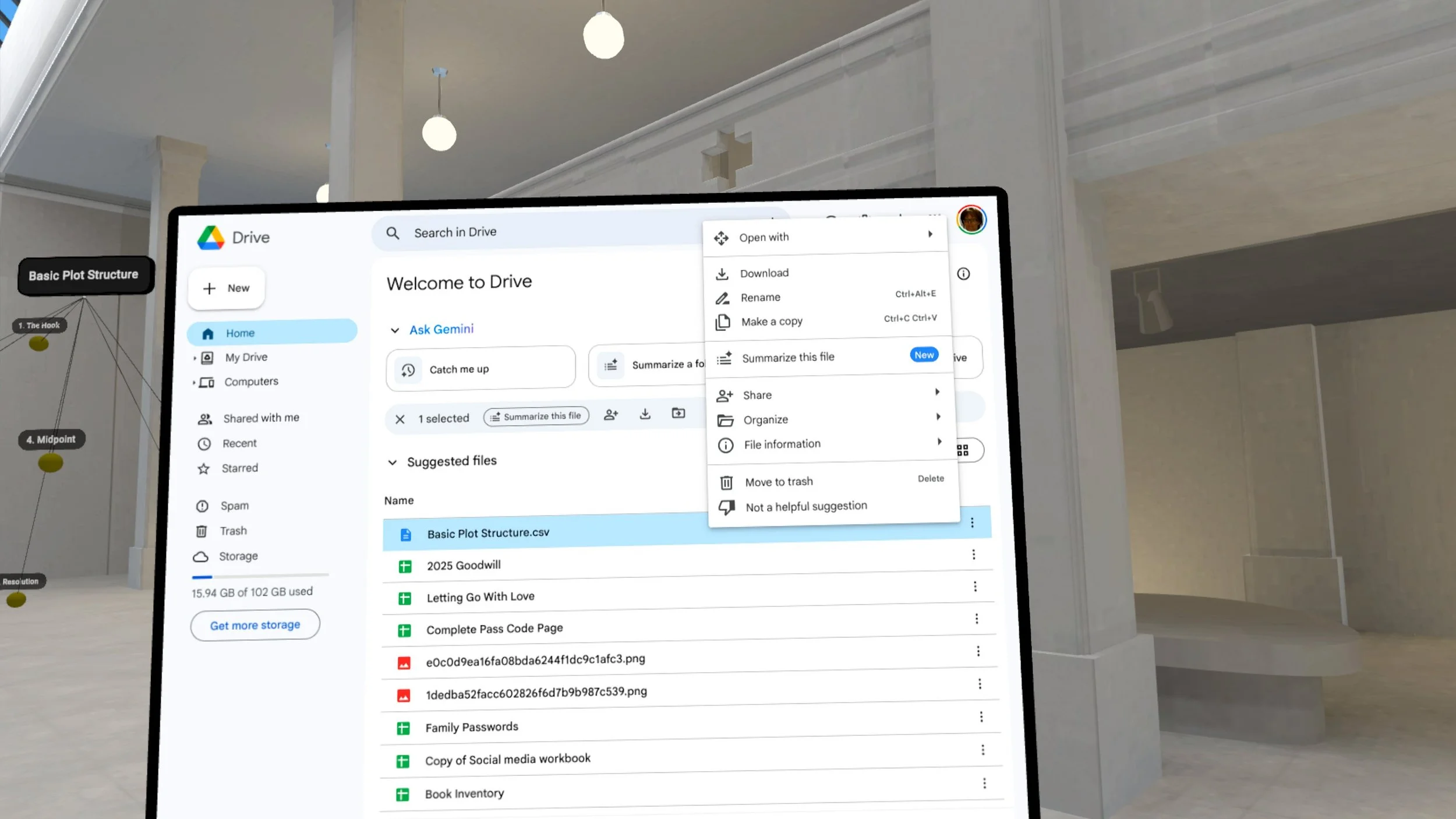
This one-page PDF shows you exactly how to import a CSV map into Noda VR using your Meta Quest headset. Follow the step-by-step guide to save your file, access cloud storage, and download the map directly into your workspace. Perfect for writers, creators, and anyone using VR mind mapping tools for the first time.
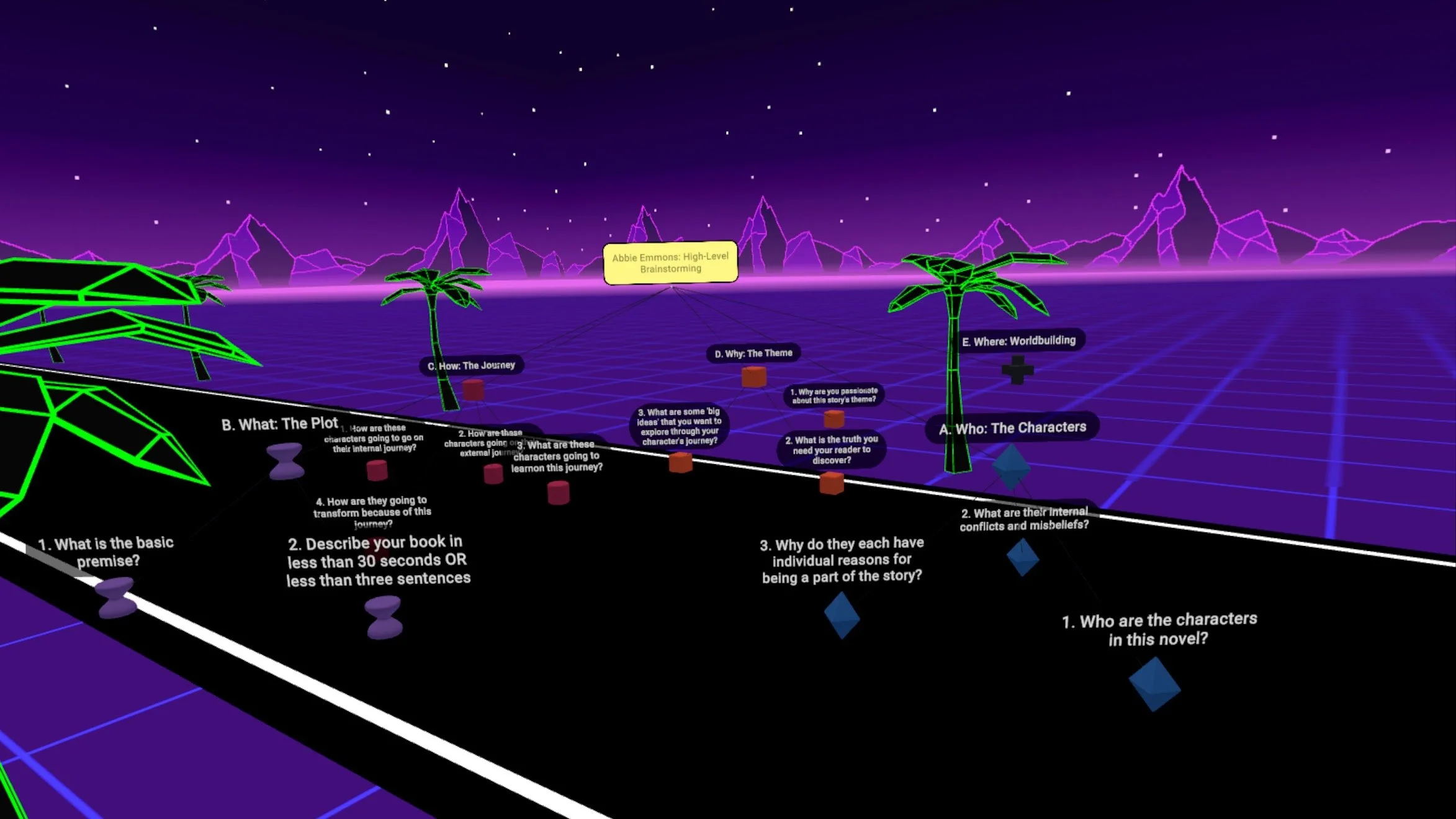
Brainstorm novels, novellas, or short stories with the High-Level Noda Creative Map. Organize plot, characters, theme, journey, and worldbuilding in VR.
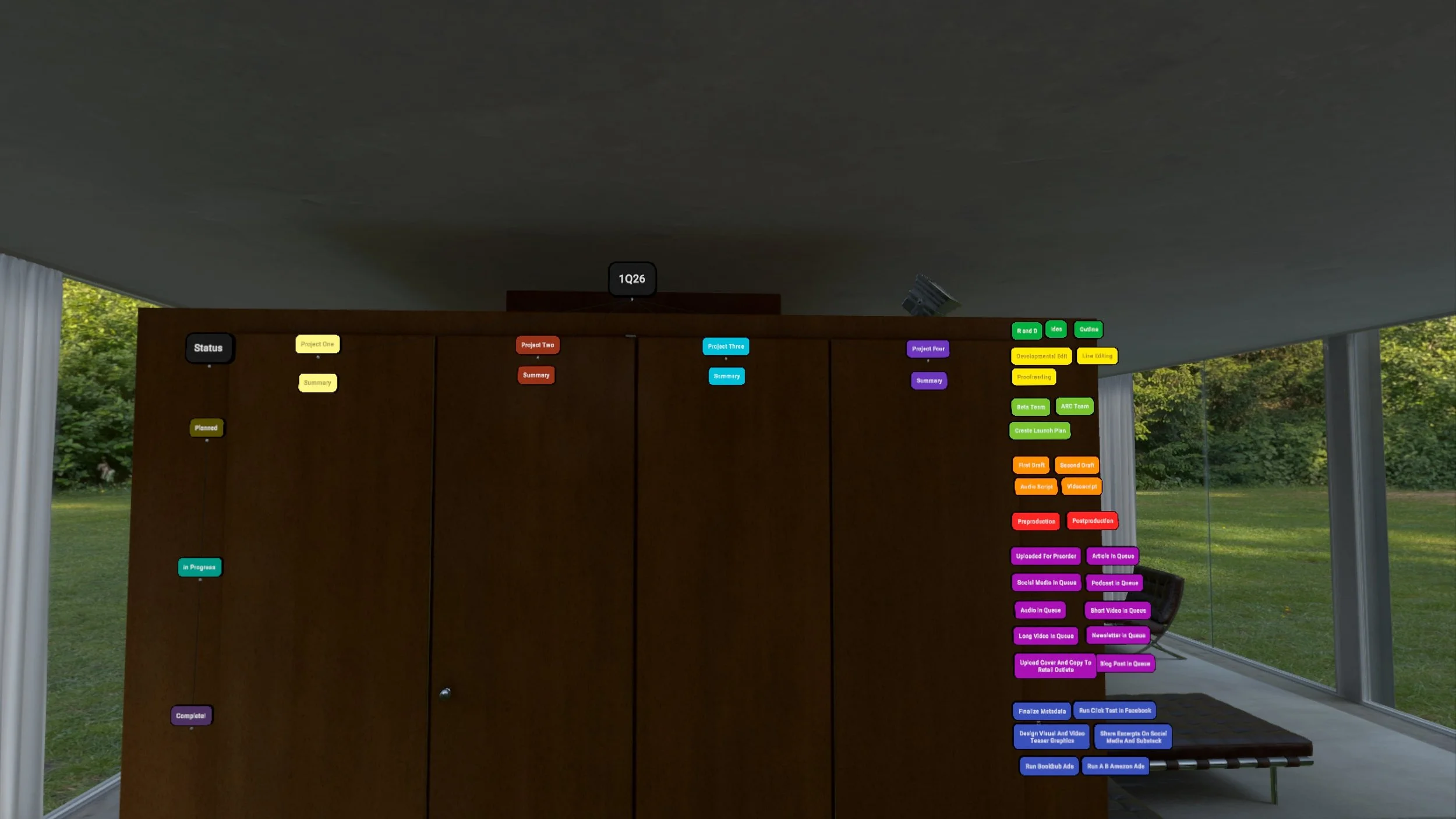
Bring clarity to your creative process with the Kanban Board Map for Noda VR. This ready-to-use template helps you organize projects visually, track progress at a glance, and keep momentum without juggling endless lists.
Whether you’re planning a book launch, building an online course, or managing digital products, the Kanban Board gives you a flexible, VR-powered workspace that adapts to your workflow. Move tasks from To Do to In Progress to Done in an immersive environment where your projects feel tangible.
✨ What’s included:
A pre-built Kanban Board map (CSV format) ready to import into Noda
High-level categories for planning any project
A clear structure that works for books, courses, or creative launches
Designed for creators who think visually, this board helps you finish what you start — with less stress and more flow.
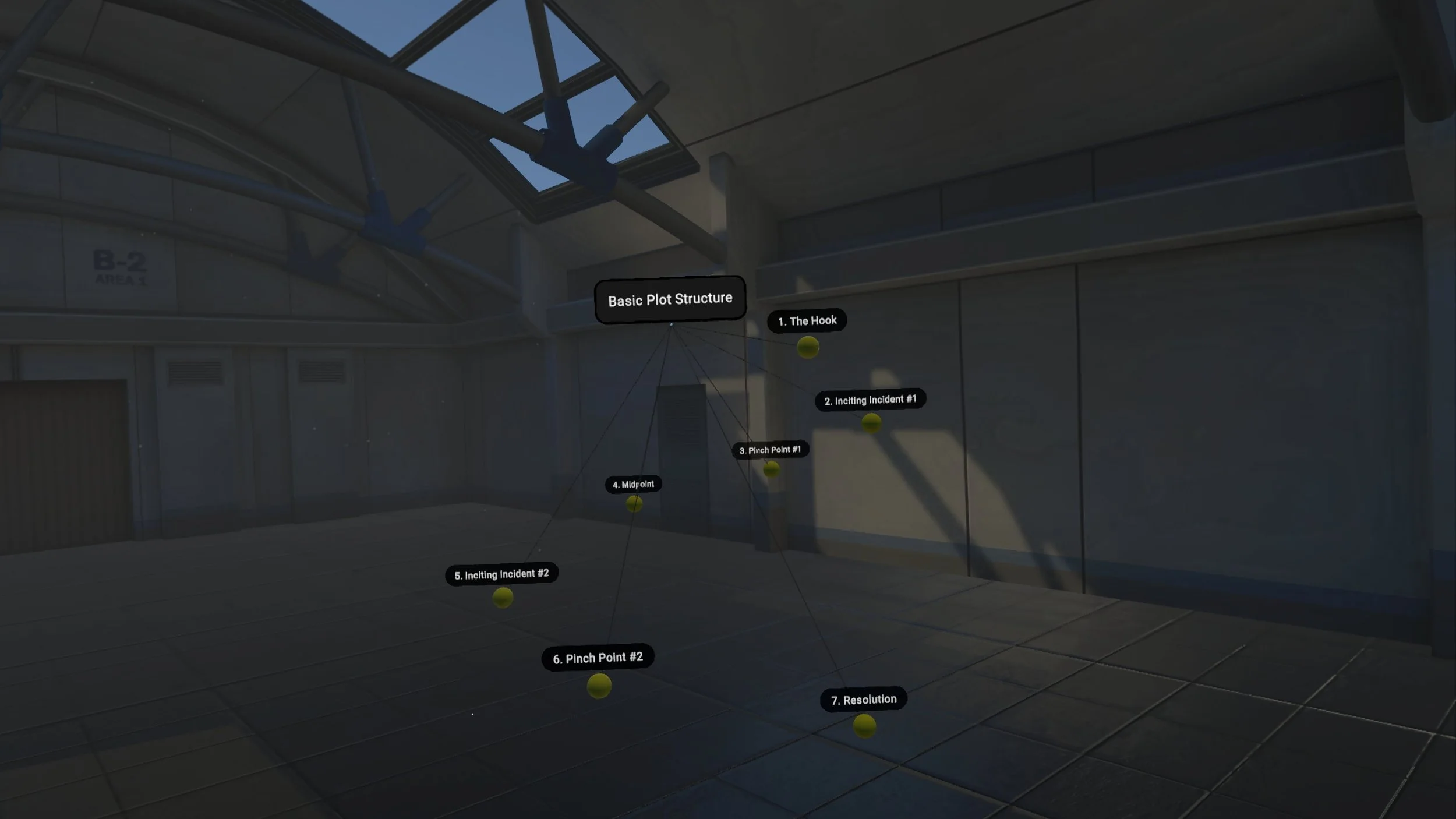
Plan novels, novellas, or short stories with the 7-Point Story Structure | Noda Creative Map. This ready-to-use VR template (CSV) covers The Hook, Inciting Incidents, Pinch Points, Midpoint, and Resolution. Import into Noda to outline stories with clarity and balance while keeping plot, character arcs, and themes aligned.
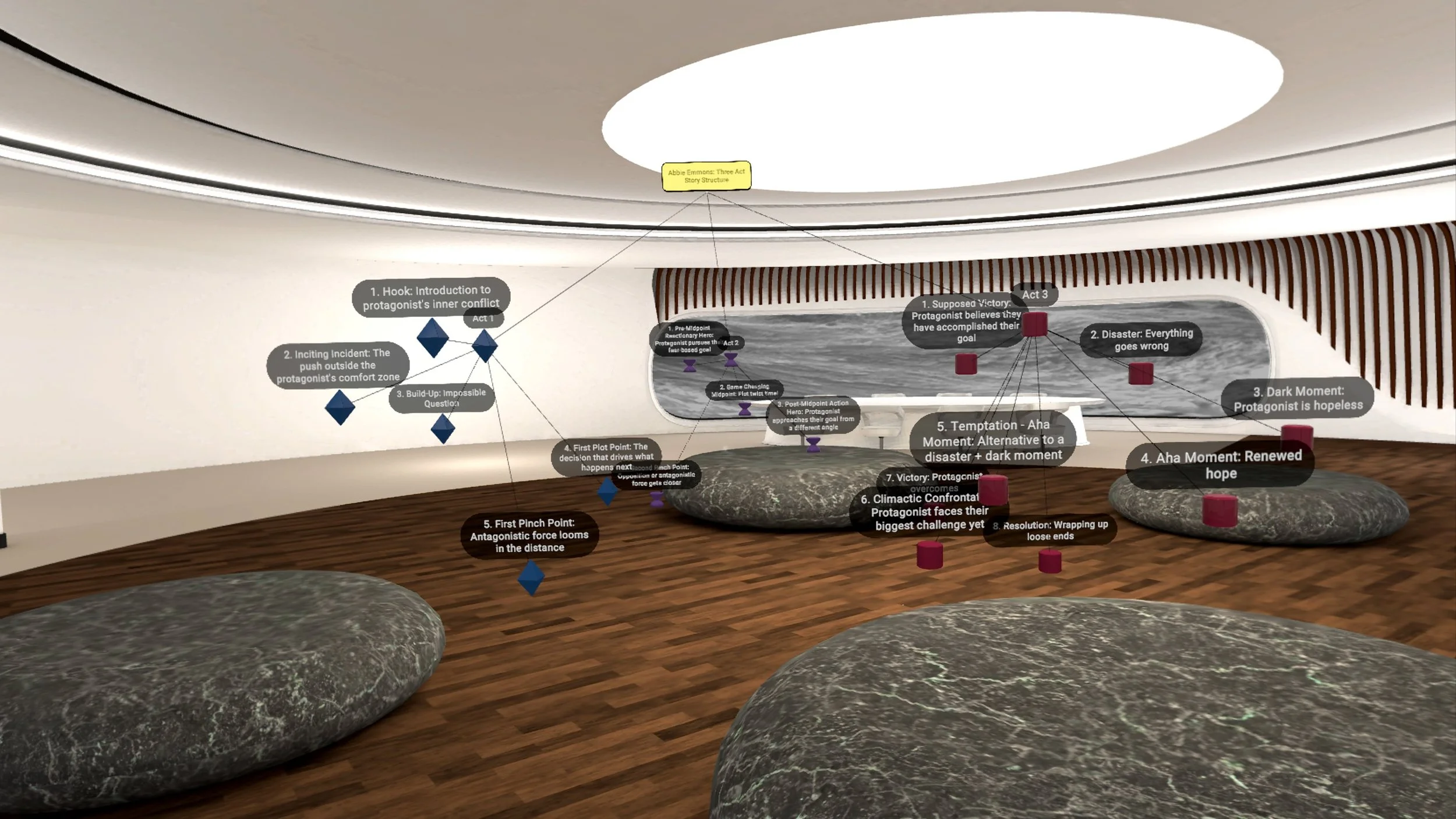
Plan novels, novellas, or short stories with the Three-Act Story Structure | Noda Creative Map. This ready-to-use VR template (CSV) divides your story into setup, confrontation, and resolution, keeping plot points and character arcs clear. Import into Noda to organize ideas, strengthen themes, and create balanced, compelling narratives.

Plan novels, novellas, or short stories with the Save the Cat | Noda Creative Map. This ready-to-use VR template (CSV) breaks your story into 15 beats—Opening Image, Catalyst, Midpoint, All Is Lost, Finale, and more. Import into Noda to organize plots, subplots, and character arcs with cinematic clarity and creative flow.
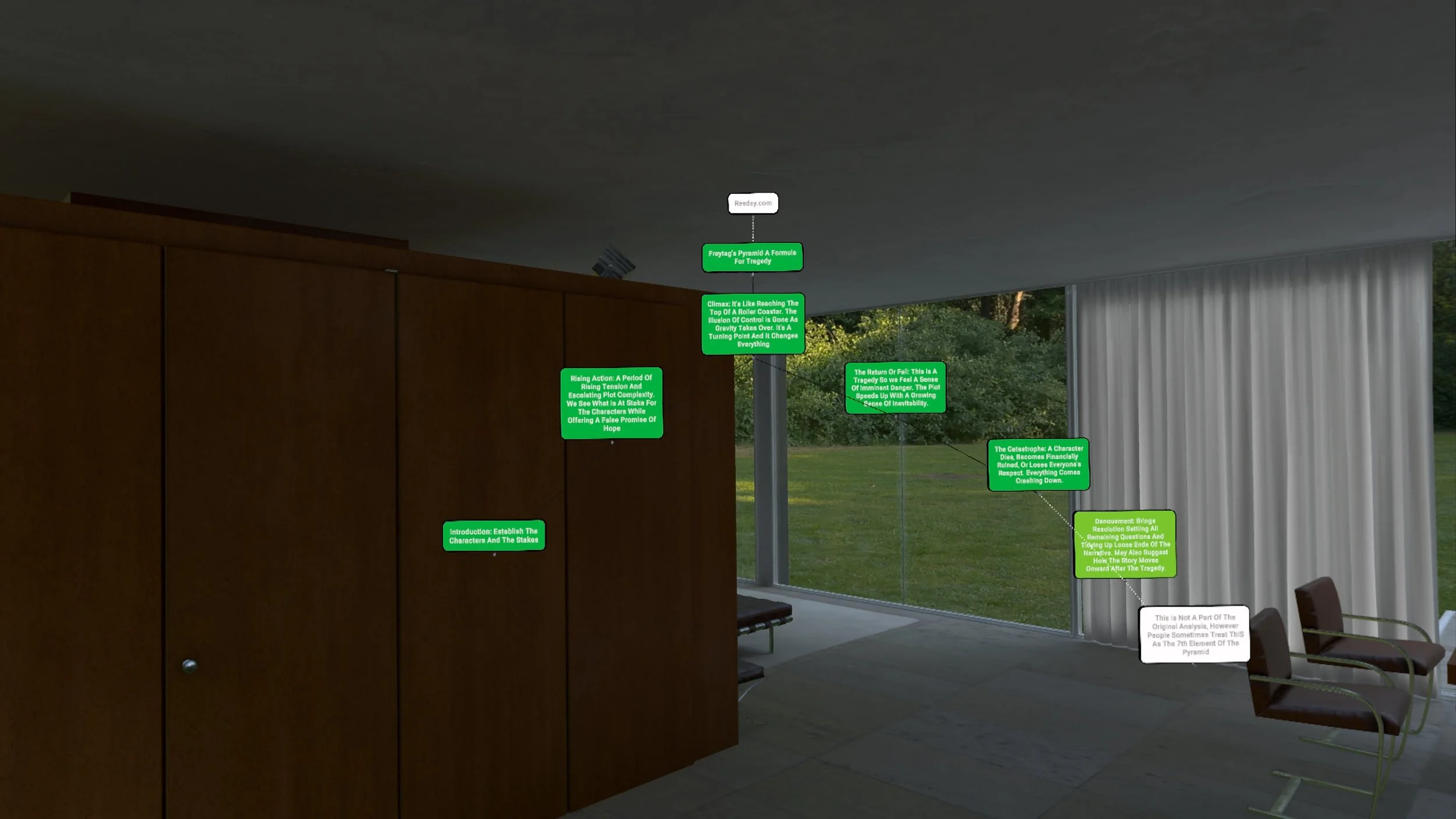
Explore classic tragedy with the Freytag’s Pyramid | Noda Creative Map. This ready-to-use VR template (CSV) helps you plan novels, novellas, or short stories with stages of Introduction, Rising Action, Climax, Return or Fall, Catastrophe, and Denouement. Import into Noda to structure dramatic plots with precision and emotional impact.

Structure your story with the Save the Cat | Noda Creative Map. This ready-to-use VR template (CSV) breaks novels, novellas, and short stories into 15 beats, including Opening Image, Catalyst, Midpoint, All Is Lost, and Finale. Import into Noda to keep your plot, character arcs, and themes on track while planning in an immersive space.
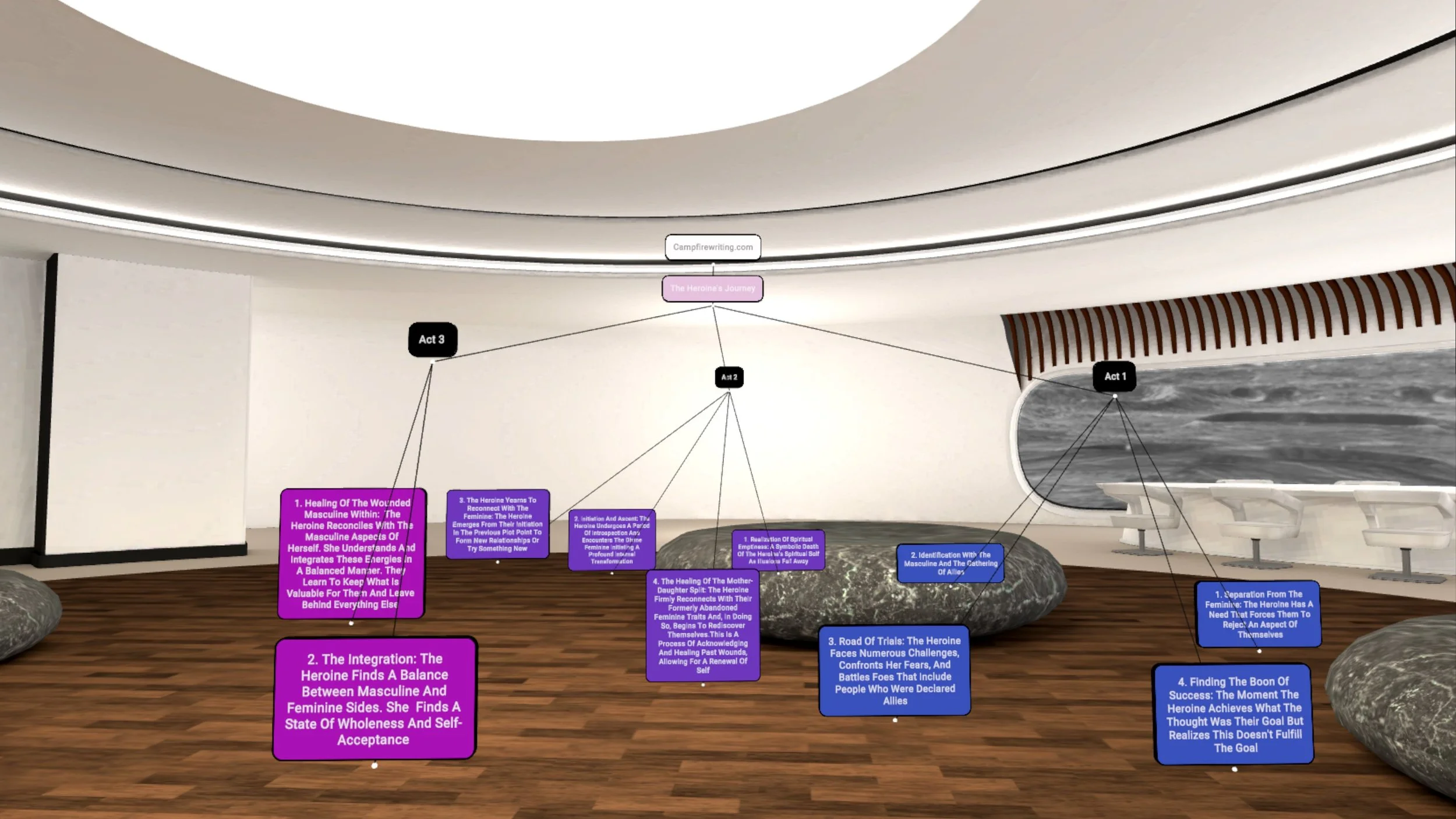
Explore the Heroine’s Journey with this Noda Creative Story Map. A ready-to-use VR template (CSV) for novels, novellas, or short stories. Track each act, transformation, and theme as your heroine moves from separation to integration. Import into Noda to plan stories with depth, balance, and emotional resonance.
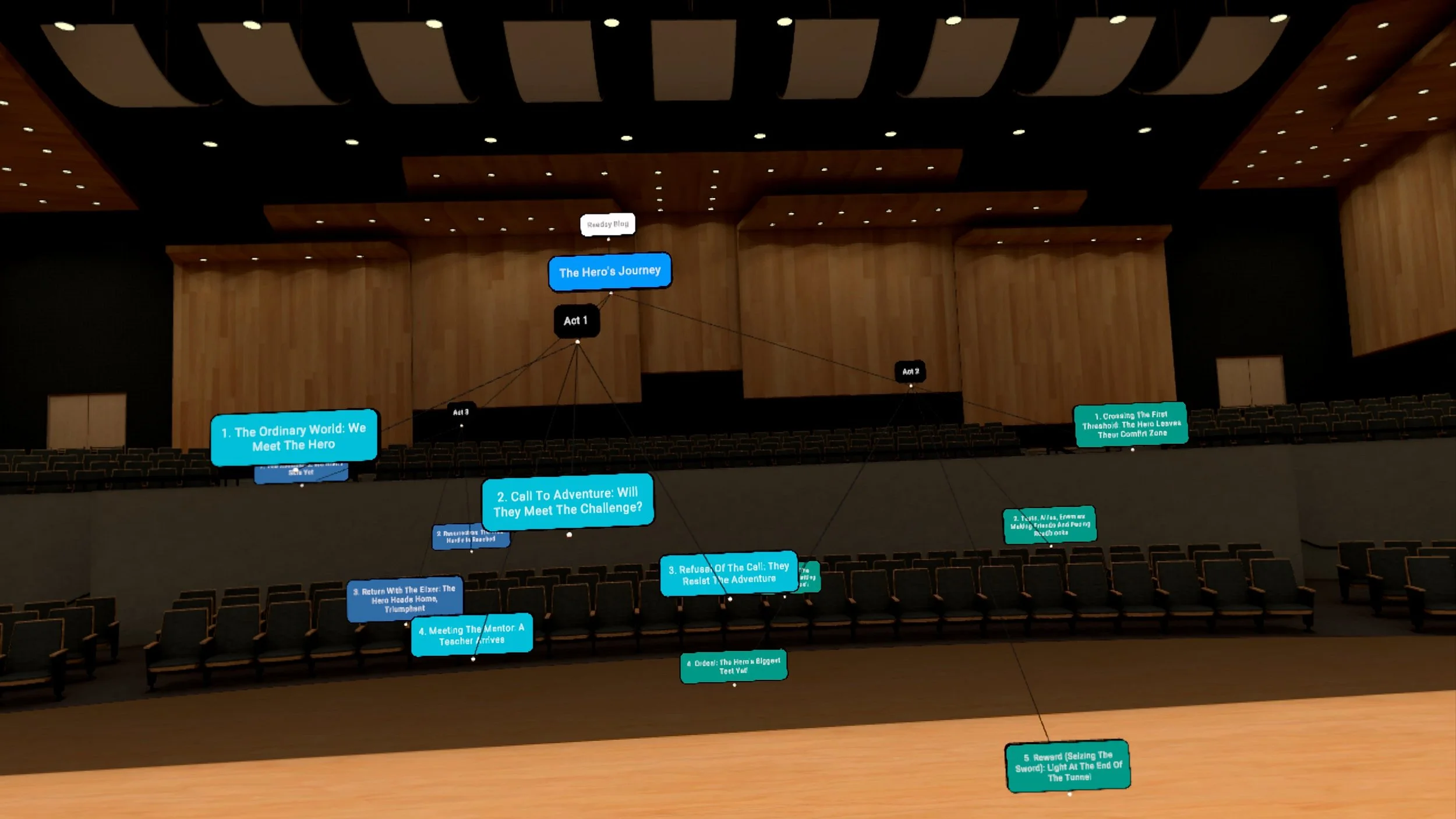
Plan novels, novellas, or short stories with the Hero’s Journey | Noda Creative Map. This ready-to-use VR template (CSV) follows the timeless 12-step structure—Ordinary World, Call to Adventure, Tests, Ordeal, Reward, Resurrection, and Return. Import into Noda to map plot, character growth, and themes with cinematic clarity.